From testing
Sign-in got in the way of finding a game
Players flagged sign-in as a hurdle during testing. I’d let them check the court location, start time, and open spots first, then ask them to sign in when they’re ready to join.
CourtLink
Find the court. Find the game.
I designed a mobile prototype that helps basketball players find a nearby pickup game and check whether it fits before they join.
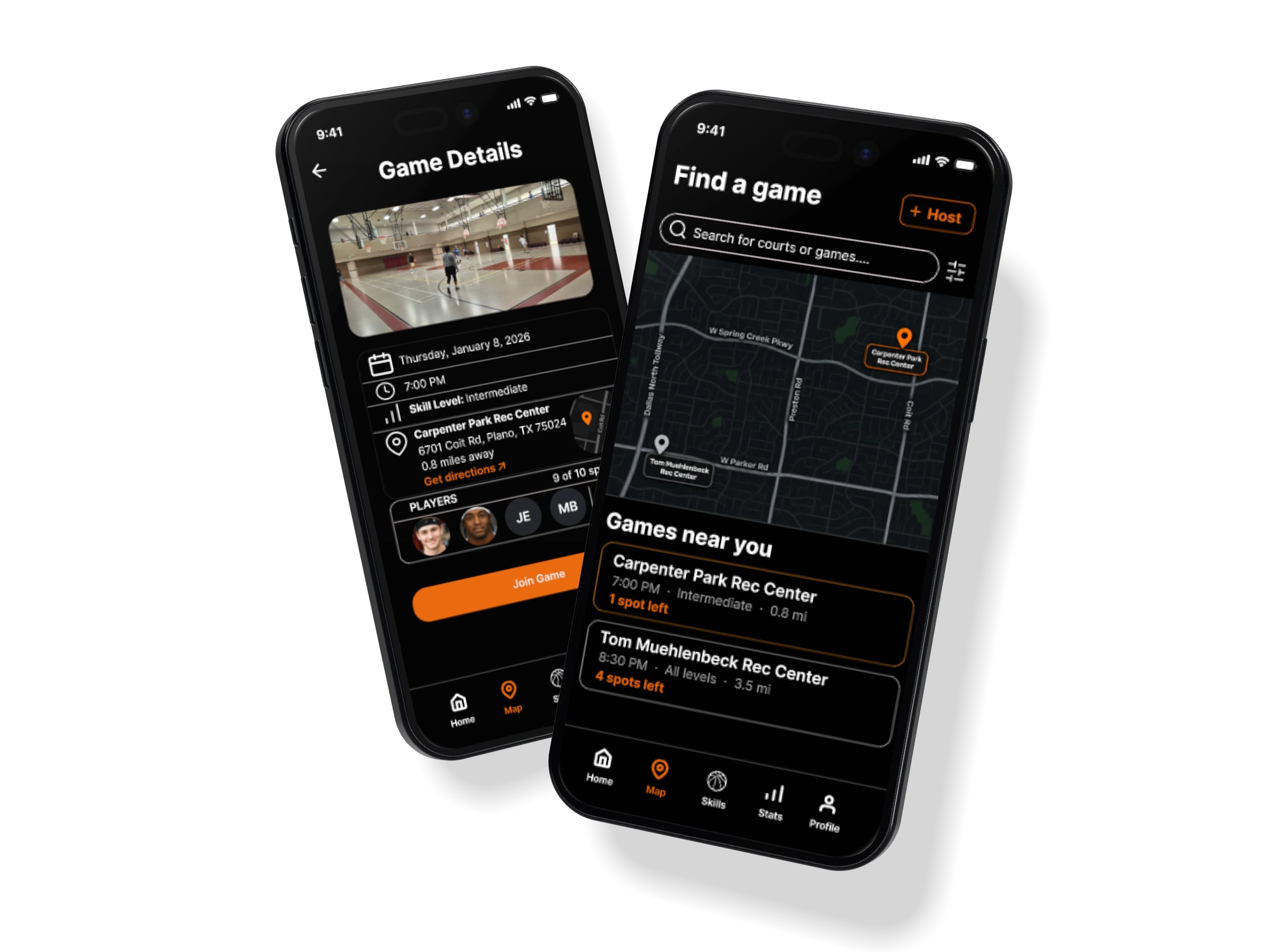
Players often waste time finding a game because they're not sure about the time, location, or skill level.
Discover → Review → Join
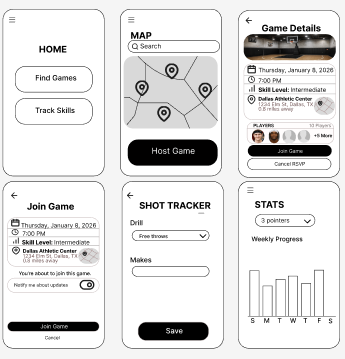
Group the time, location, skill level, and player count in one place before committing to a game.
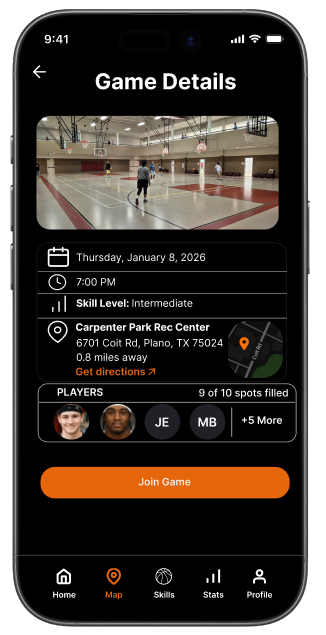
Key details at a glance: time, location, skill level, and player count.
Commit to the game with one clear action.
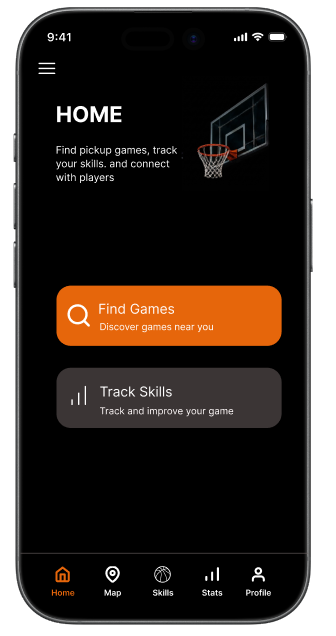
Home
Start with Find Games.
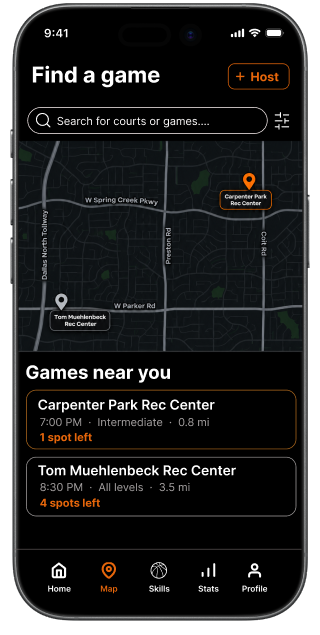
Find a game
Choose Carpenter Park on the map or in the game list.
Game Details
Review the time, skill level, players, and open spot.
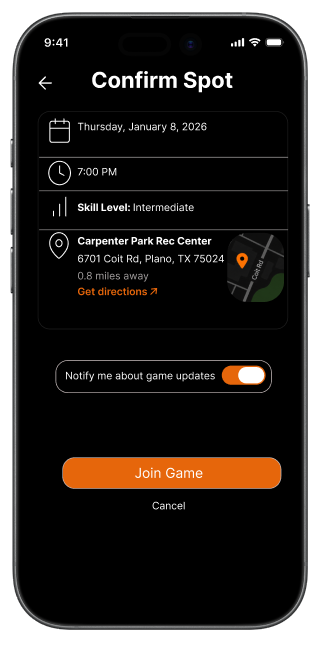
Confirm Spot
Review the game and confirm your spot.
Early wireframe
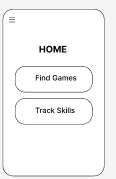
Final design
The final Home screen highlights Find Games and gives Track Skills a quieter secondary style. I made that choice so players start by finding a game, while practice tracking stays a separate task.
Interactive demo · Sample game data
Simulated prototype · Game discovery
The primary action starts with finding a game. Practice tracking stays separate.
Original CourtLink screens with a local, illustrative interaction. The game details are sample content from the design, not a live listing.
Game discovery and practice remain separate paths.
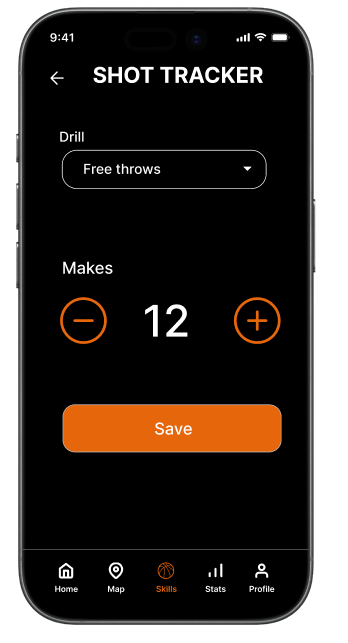
I usability tested the prototype with 5 players and revised the design based on their feedback.
Participants tested
Designer-provided account: prototype usability tested with 5 players and revised based on their feedback.
What came out of testing with 5 players, and what I concluded myself.
From testing
Players flagged sign-in as a hurdle during testing. I’d let them check the court location, start time, and open spots first, then ask them to sign in when they’re ready to join.
From testing
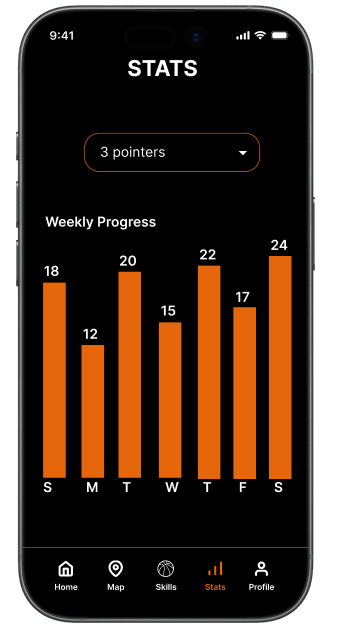
Players noticed the AI shot tracker did not catch every shot, which makes the stats harder to trust.
Design assumption
Location, timing, and skill level decide whether a game is worth showing up to. I treated those as the questions Game Details has to answer, and I still need to validate them with players.
My own ideas from this round. Not tested with players yet.
Next test
I’d give players a time and location and ask them to find a game that fits. I’d watch whether they can choose a game without help and understand why sign-in is needed when they tap Join.
My idea
I proposed a leaderboard after watching players keep score by hand during the session. Ranking would remove that manual step, and I wanted a feature that makes players feel more competitive. Players did not ask for it, so I am holding it as a proposal to test rather than a finding from this round.
Proposed measures for a future round. Not yet tracked.
Next projectHelp Me Decide
→Contact
I’m seeking ux design internships for summer 2027. Feel free to reach out. I’d love to connect.